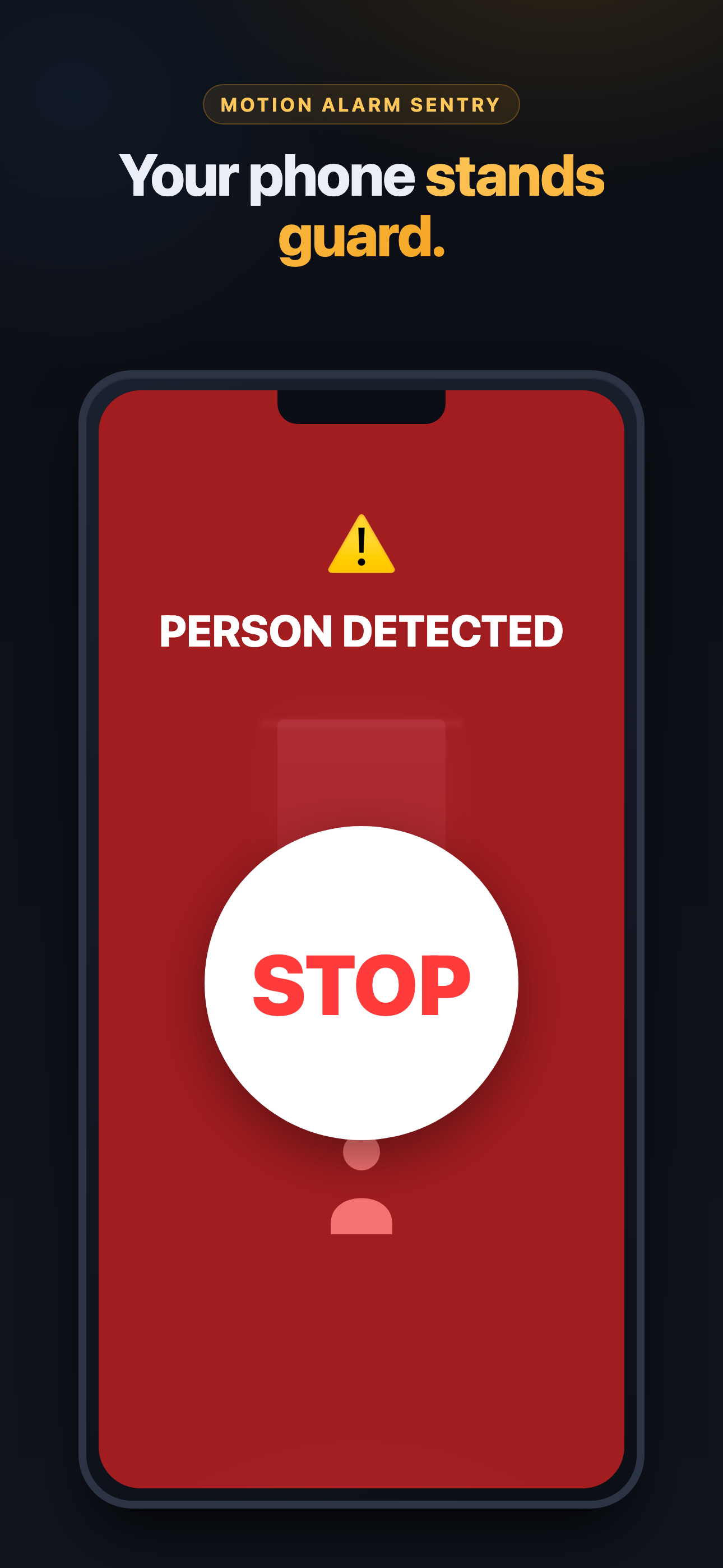
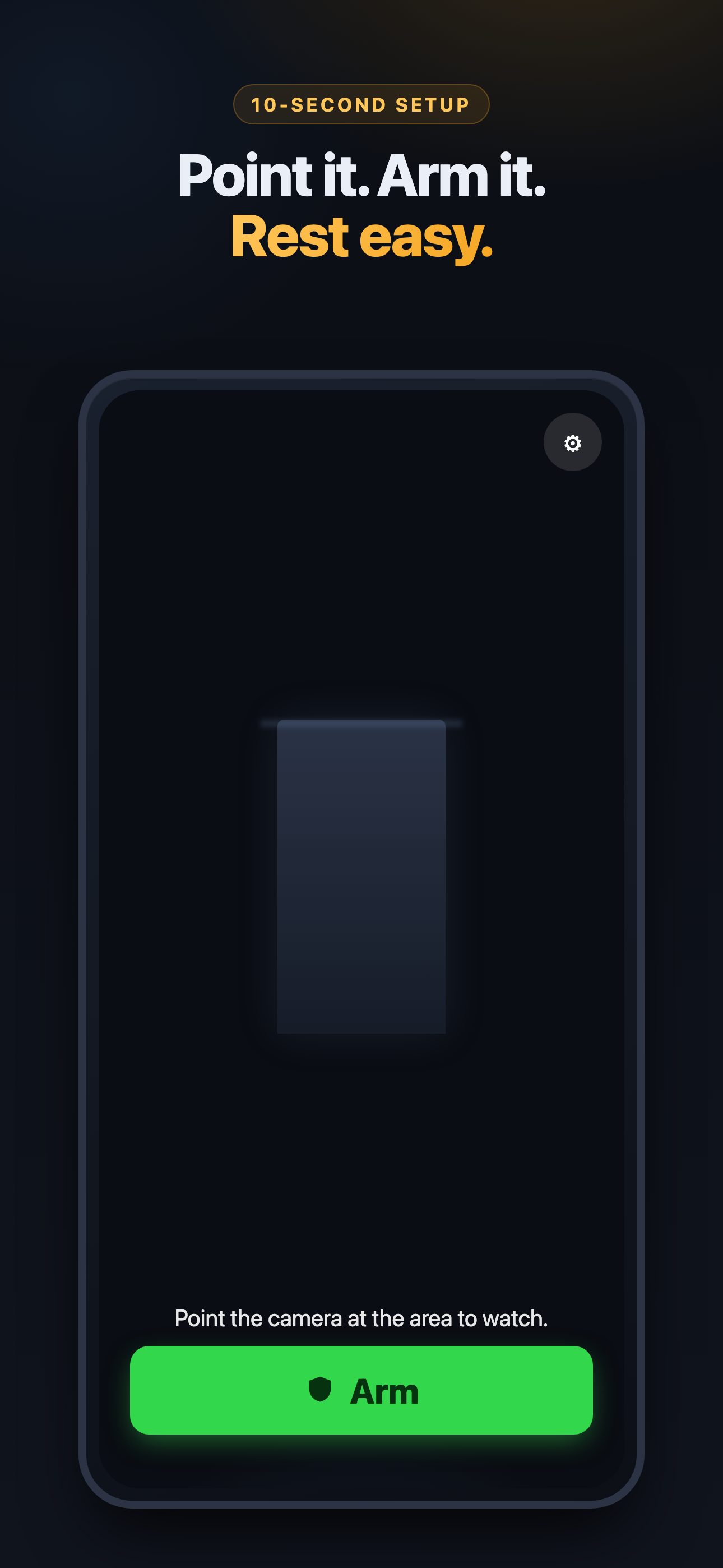
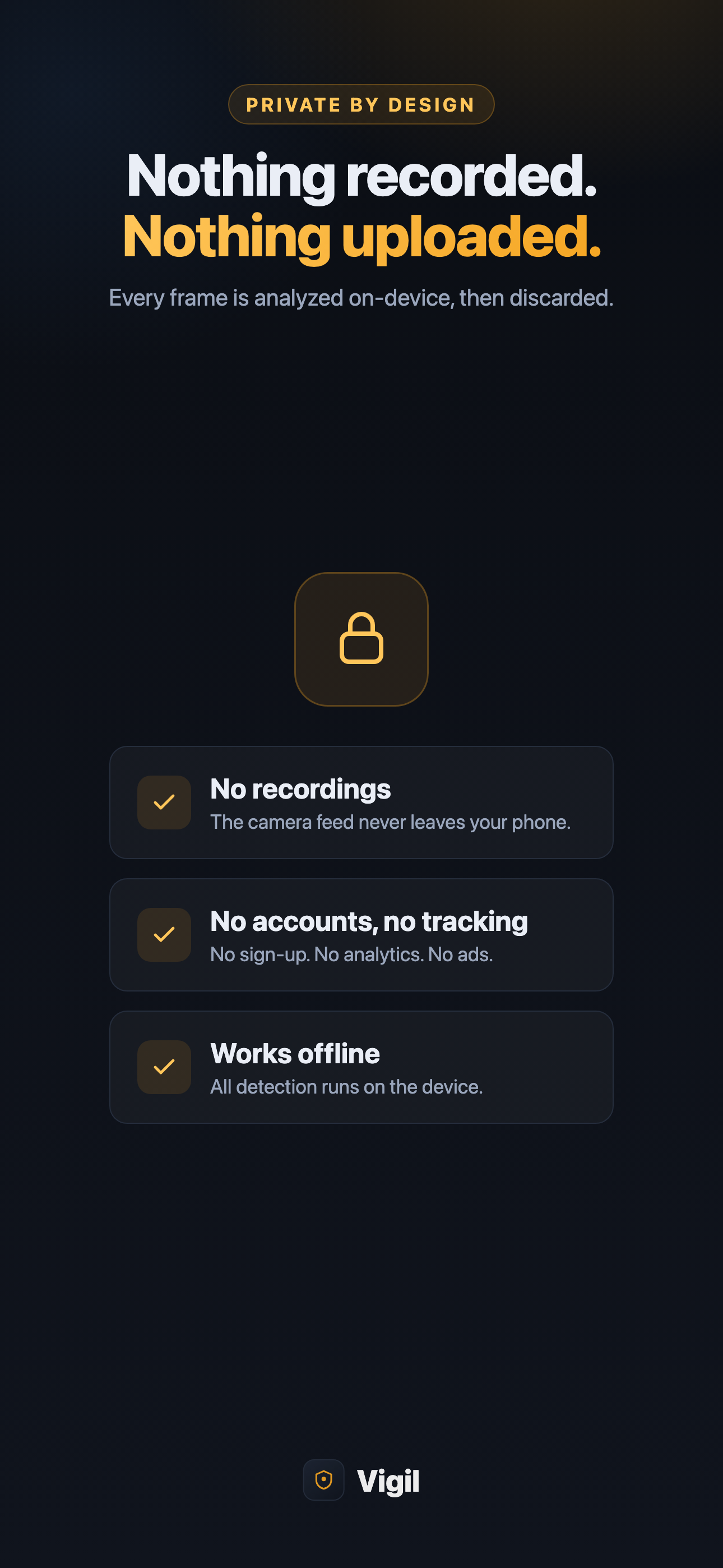
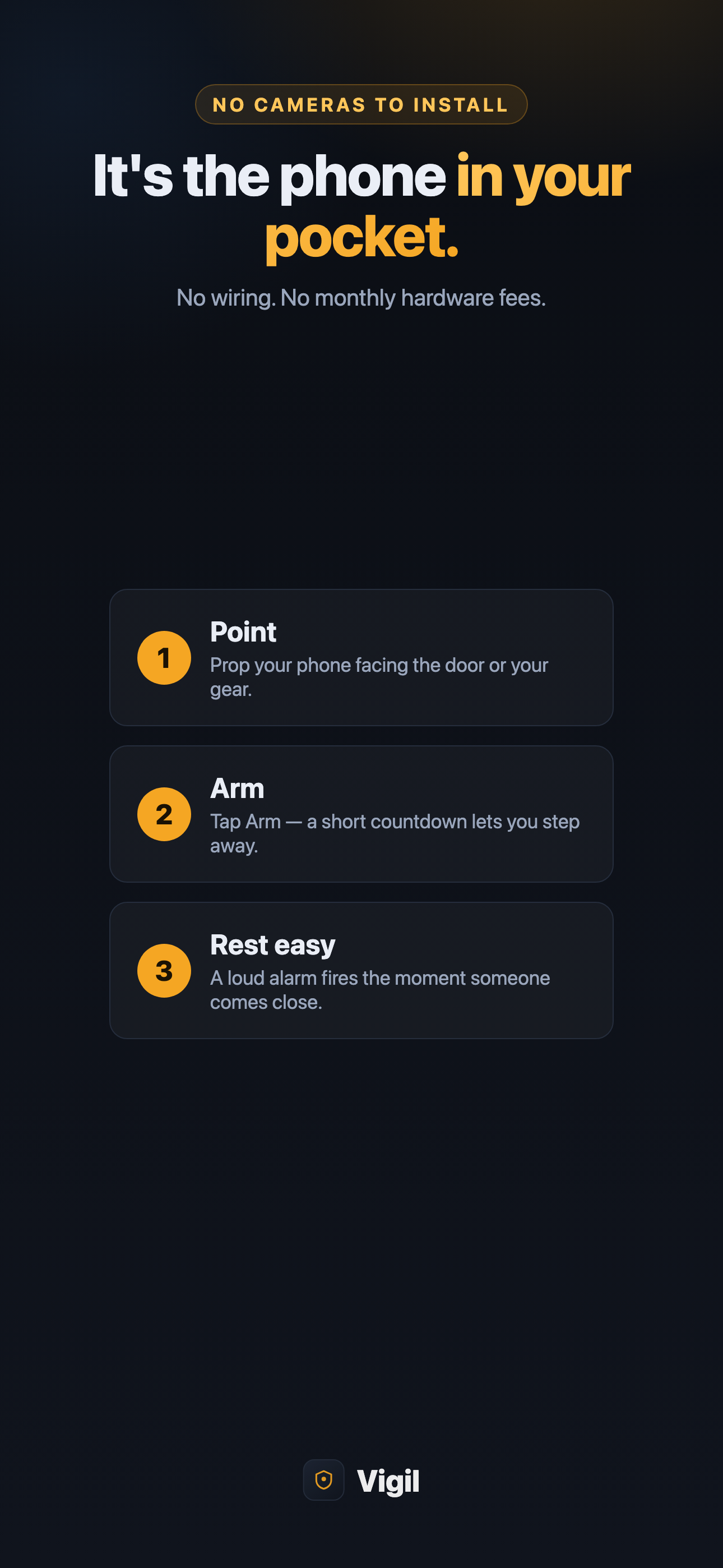
Vigil turns the iPhone you already own into a motion-triggered alarm. Point the camera at a doorway or your gear, tap Arm, and it sounds a loud alarm the instant a person or a moving vehicle appears — or an unexpected sound is heard. Everything runs on-device: nothing is recorded, nothing is uploaded, no account.
| App name | Vigil: Motion Alarm Sentry |
| Developer | Incrementum Technologies and Entrepreneurship Ltd (solo developer) |
| Launched | July 1, 2026 (v1.0) |
| Platform | iPhone (iOS 26.1+), portrait, fully offline-capable |
| App Store | apps.apple.com/app/id6785081486 |
| Price | 3-day free trial, then $19.99/year · $6.99/month · $39.99 lifetime |
| Privacy | App Privacy label: Data Not Collected. No account, no analytics, no footage stored or transmitted. Privacy policy |
| Website | vigil.incrementumtech.com |
| Press contact | info@incrementumtech.com — replies come from the developer, usually within a day |
Some moments leave people watchfully alone: a traveler napping in a hostel bunk or a tent, a lone worker at a remote site, someone stepping away from their gear, a parent who wants an eye on a doorway. Security cameras answer that with hardware, accounts, and cloud storage. Vigil answers it with the phone already in your pocket — set up in ten seconds, watching in real time, and architecturally incapable of leaking footage because it never records any.
"I wanted the phone in my pocket to keep watch with me — point it at the approach, arm it, and know that if anyone comes near, I'll know instantly. No cameras to mount, no cloud, no account. It all had to run on the device."
— Yan Sviatsky, developer of Vigil
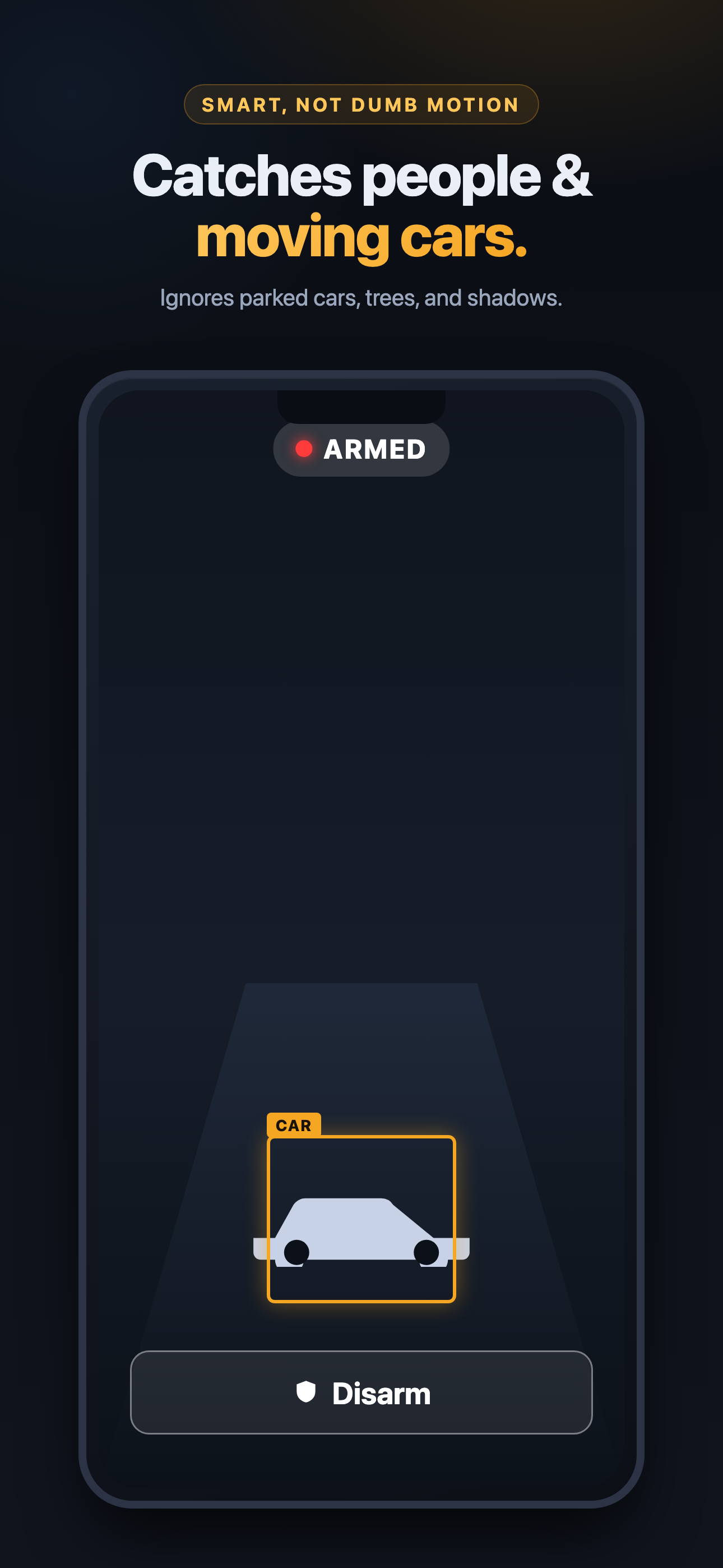
Vigil is a native SwiftUI app built for iOS 26, and a deliberately Apple-stack project: the Vision framework for person detection, a bundled Core ML model for vehicles (computed on-device), real-time two-band audio analysis for the sound modality, and StoreKit 2 for the subscription. The detection logic is pure, unit-tested Swift — including a motion gate that distinguishes a moving car from a parked one, and an audio gate that learns the room's ambient level and rejects high-frequency noise like birds.

App icon (1024×1024 PNG)
Screenshots below are 1290×2796 App Store art. Right-click / long-press to save, or use the download links.
Reviewing Vigil? Email info@incrementumtech.com and we'll send a code for full Pro access, plus device b-roll or real capture footage on request.